Shoes
Footwear configurators (sports, casual, or dress shoes).
4 apps
Shoe configurators let customers design footwear to their exact taste — choosing base models, sole types, upper materials, colors, laces, and even adding monograms or custom graphics. The 3D preview updates in real time, giving buyers a sense of ownership before they click "order."
Brands like Nike (Nike By You) and Vans have popularized the format, but the technology is now accessible to independent labels and DTC brands through platforms like ShapeDiver and custom Three.js builds. Beyond aesthetics, some shoe configurators incorporate fit-recommendation engines that map foot scans to available sizes.
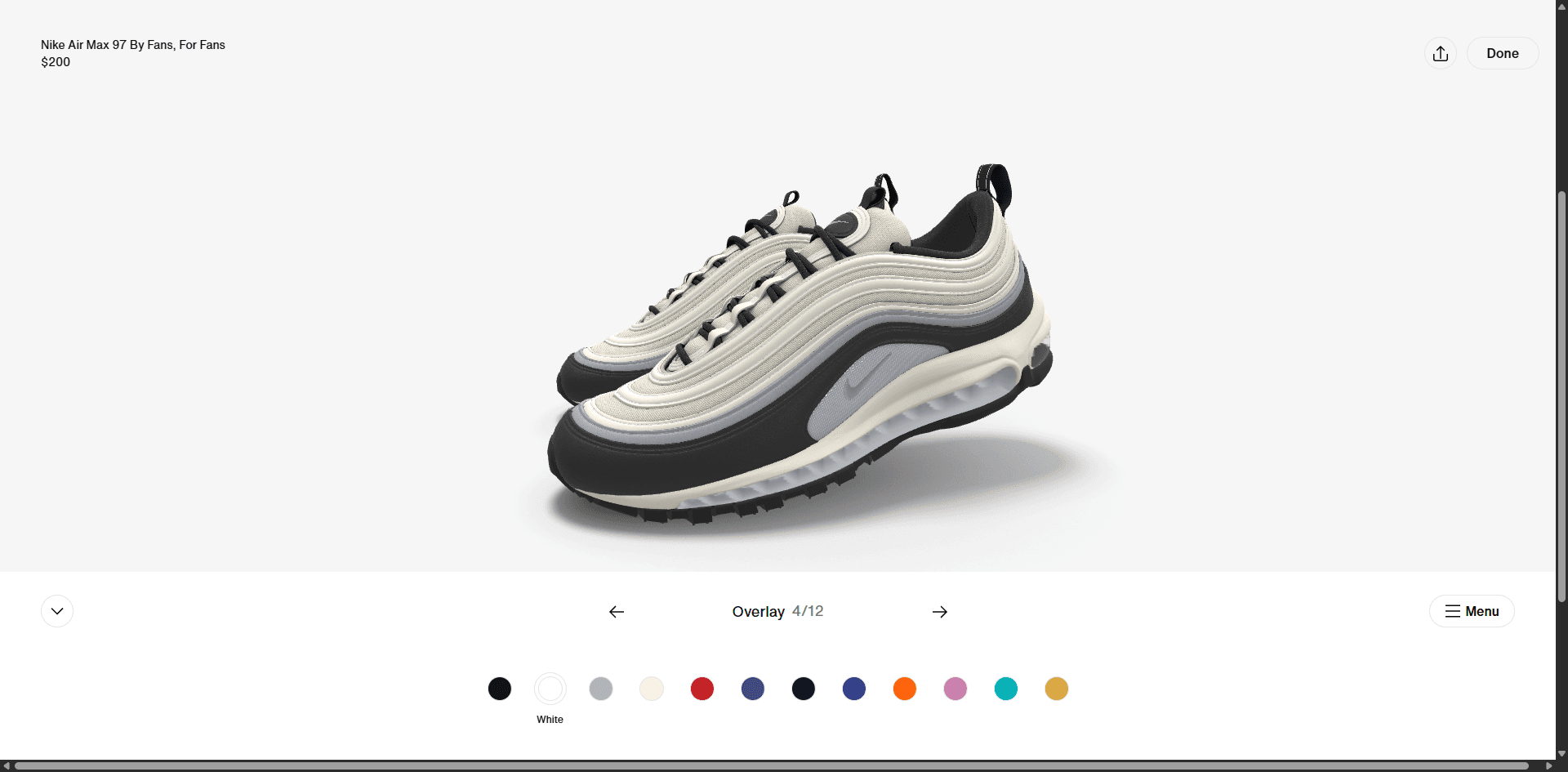
View Details
Nike By You 3D Shoes Configurators
 Nike
Nike
4.8
Fashion & Accessories
3D
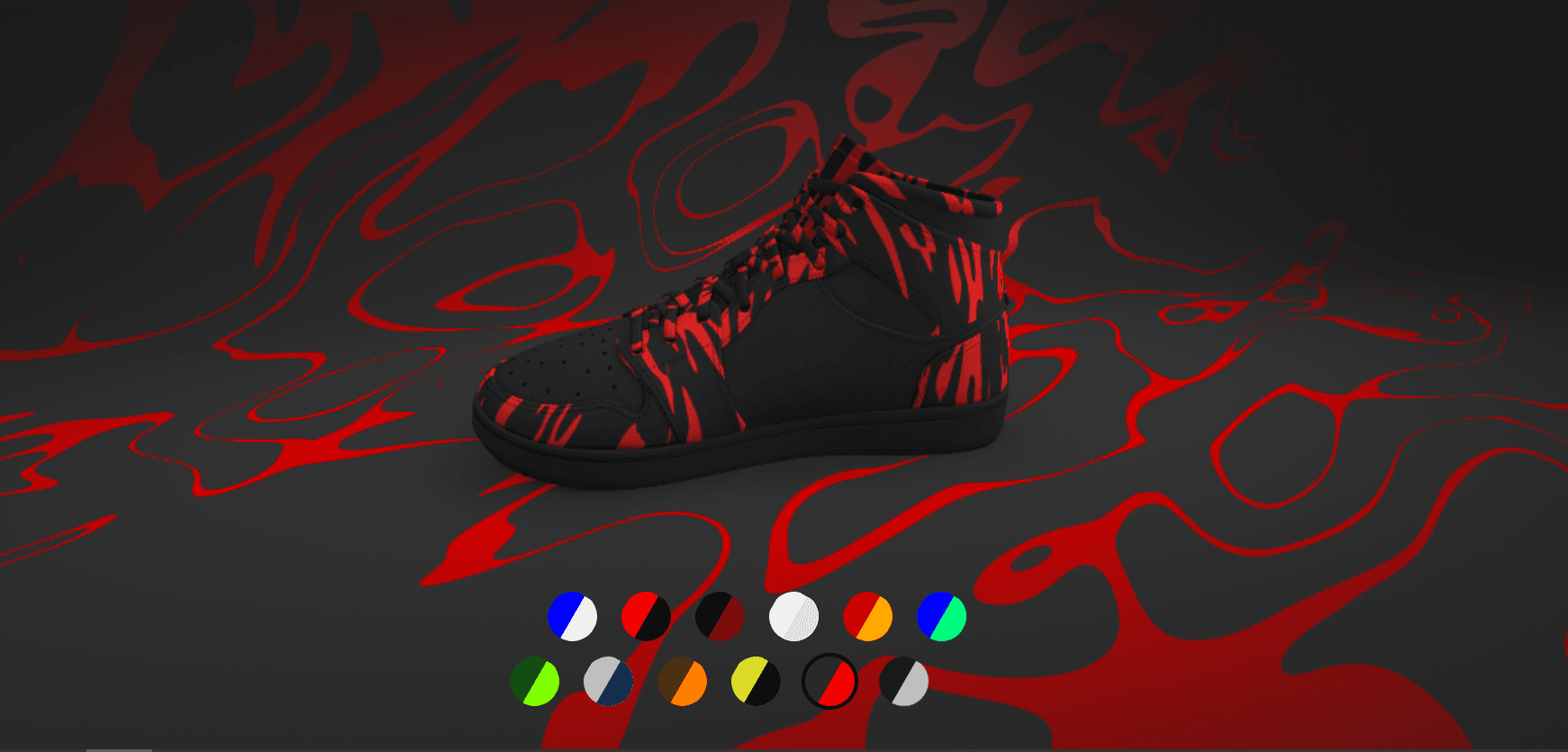
View Details
AR-FAKE Demo Sneakers Configurator
 LUSION
4.0
Fashion & Accessories
3D
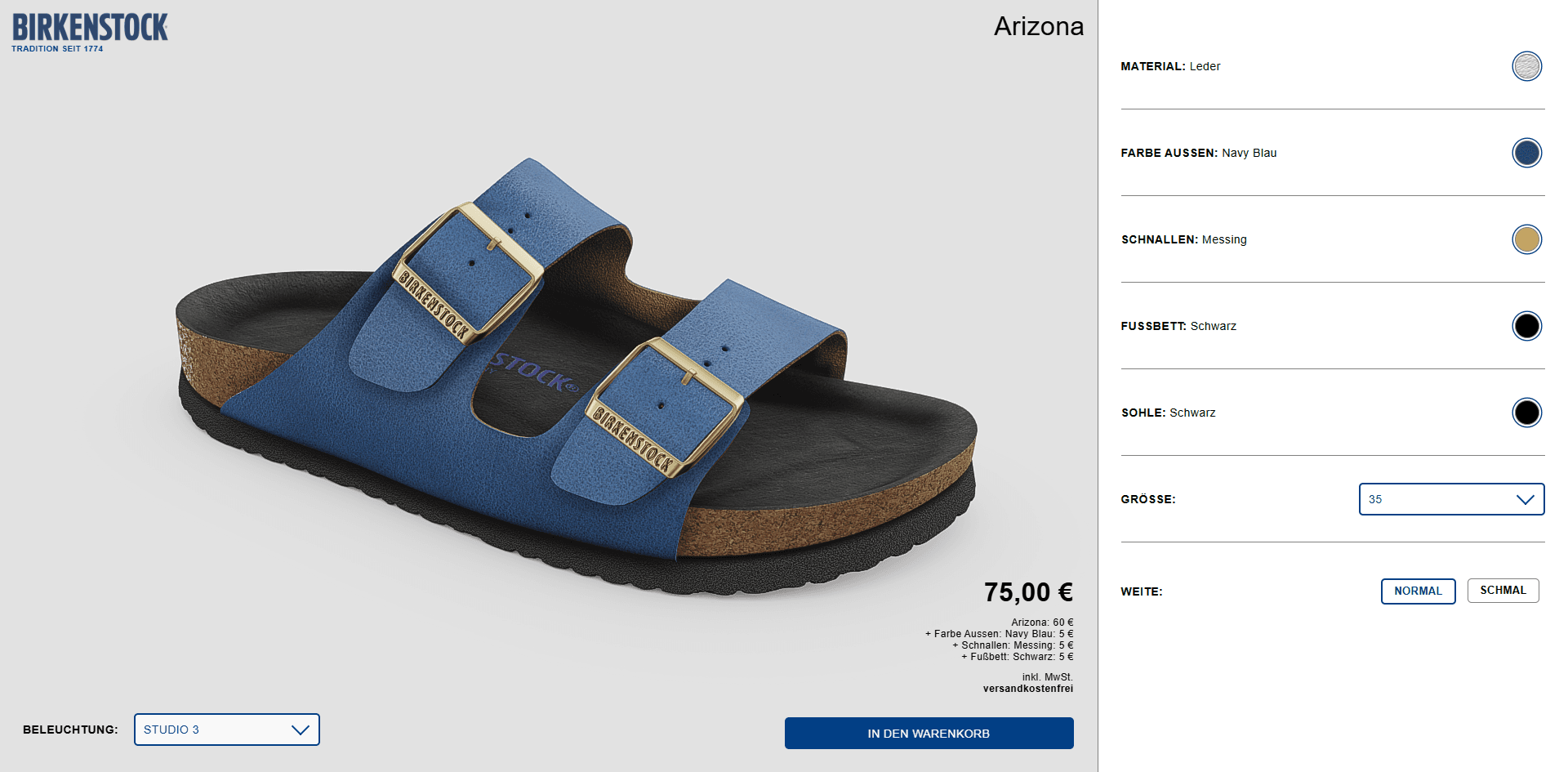
View Details
Birkenstock Arizona 3D Configurator
 Birkenstock
3.6
Fashion & Accessories
3D
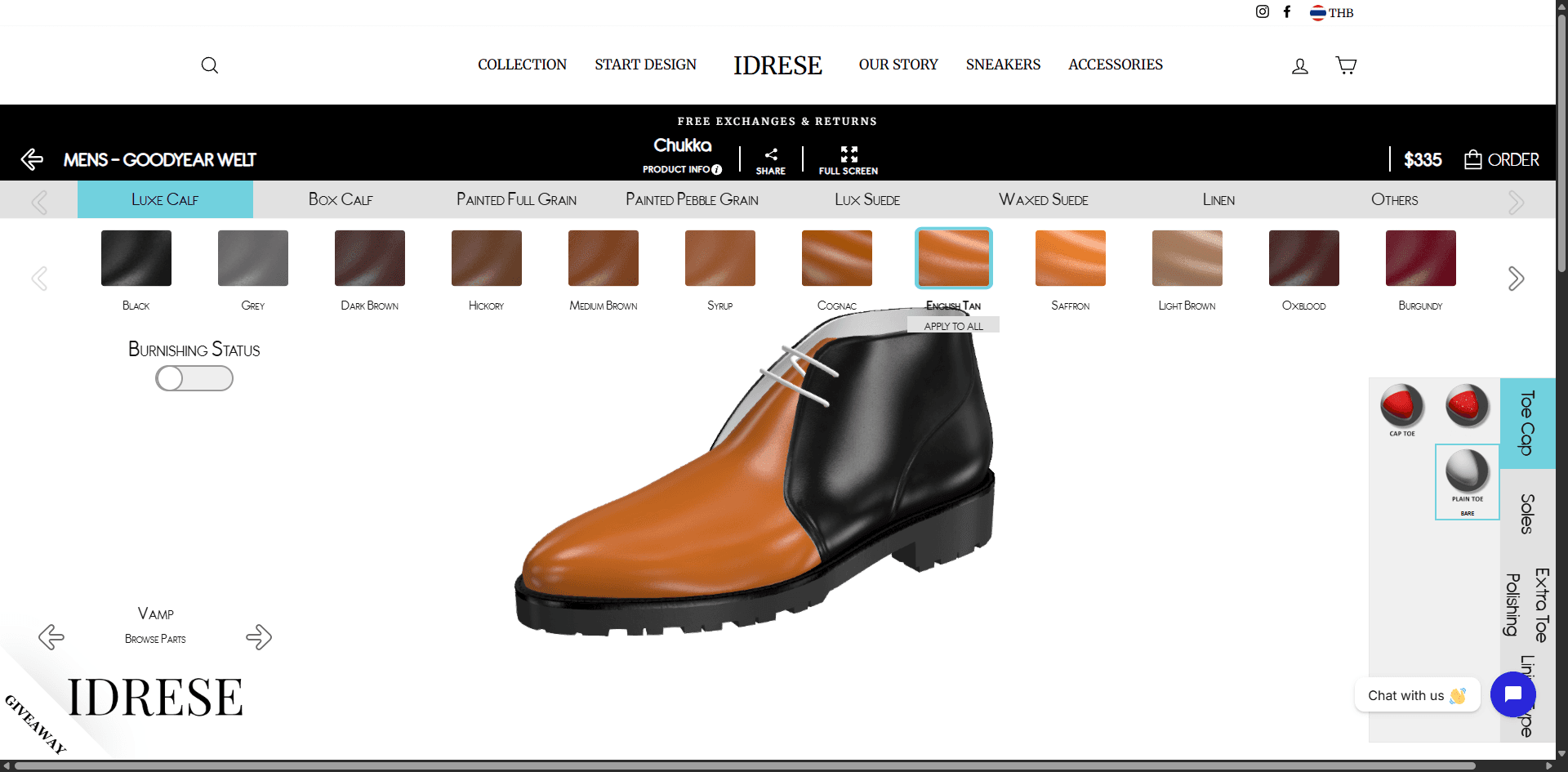
View Details
Idrese 3D Leather Shoes Configurator
Idrese
3.5
Fashion & Accessories
3D
Frequently Asked Questions
Can shoe configurators handle made-to-order production?
Yes. Many shoe configurators are connected to manufacturing backends that translate the customer's configuration into a production order — including material codes, colorways, and sizing — ready for cut-and-sew or 3D-printed production.
What 3D format works best for shoe models?
glTF 2.0 is the standard. Shoe models typically use PBR materials with separate texture maps for leather grain, stitching, and sole tread. File sizes are kept under 5 MB for fast mobile loading.
Do shoe configurators support AR try-on?
Some do. AR try-on for shoes uses foot tracking (via camera or a dedicated foot-scanning step) to overlay the configured shoe onto the user's foot in real time. Accuracy is improving but still experimental compared to furniture or watch AR.